TIA Portal HMI Visualization Explained
INTRO
TIA Portal HMI visualization allows engineers to create interfaces for monitoring and controlling automation systems. It helps transform process data into clear and usable information.
In this guide, you will learn how to design HMI screens and use simulation tools for testing.
🧠 TIA Portal HMI Visualization Overview
The visualization tools in TIA Portal enable engineers to build user-friendly interfaces. These interfaces display system states, alarms, and process values.
For example, operators can monitor signals and machine status in real time. As a result, system transparency improves.
⚙️ HMI Screen Design with WinCC
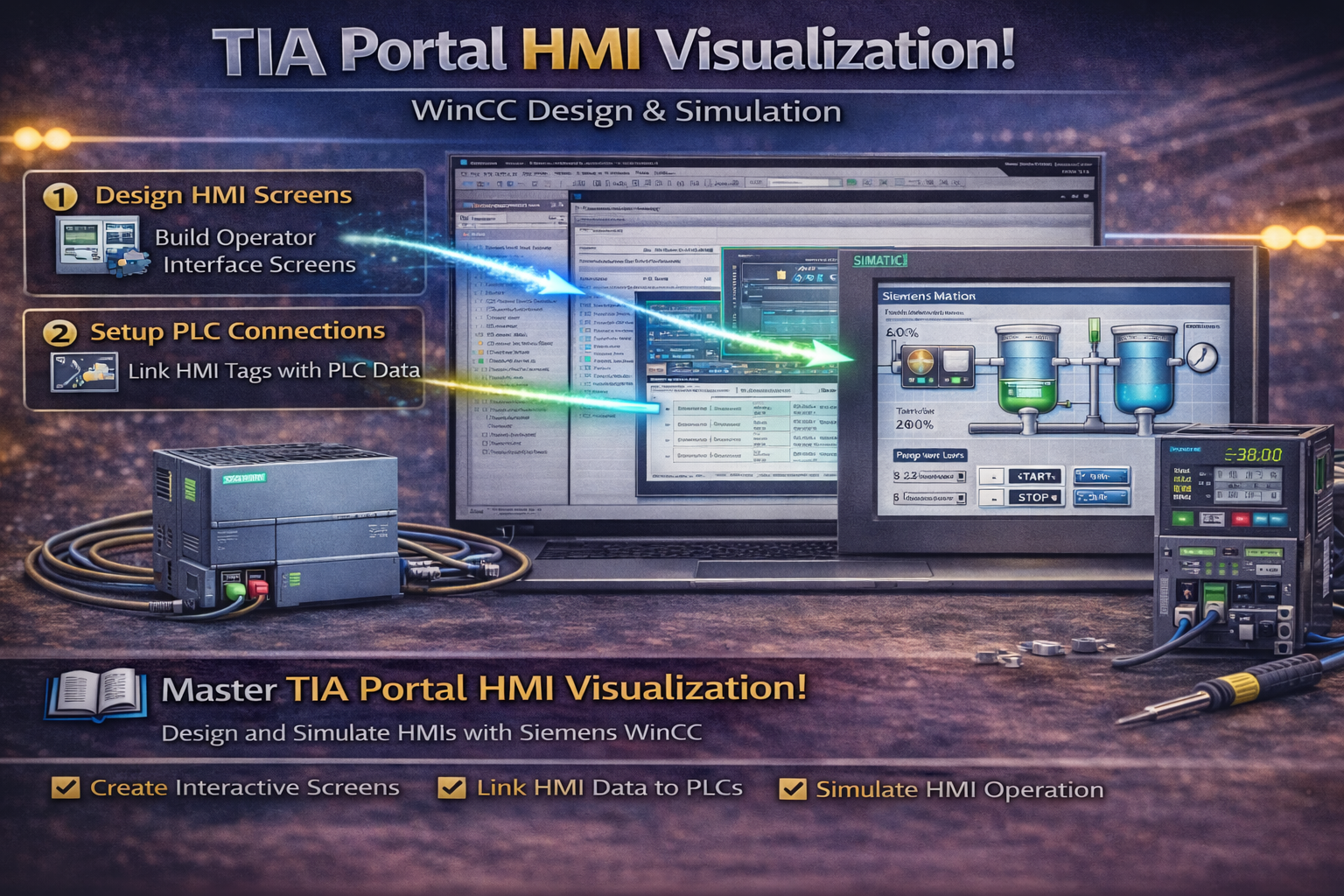
WinCC provides tools for designing HMI screens. Engineers can create layouts, add graphical elements, and define user interaction.
For instance, buttons, indicators, and value displays can be configured easily. Therefore, building operator interfaces becomes straightforward.
🔧 System Diagnostics Integration
System diagnostics allow monitoring of all connected devices. Engineers can visualize errors and system status directly on HMI screens.
For example, diagnostic views show network status and device faults. Because of this, troubleshooting becomes faster.
🔄 HMI Simulation
TIA Portal includes simulation tools for testing visualization. Engineers can run HMI screens on a PC without physical hardware.
For instance, WinCC simulation allows testing of user interaction and data flow. As a result, errors can be detected early.
🎨 Styles and Design Consistency
HMI styles help maintain a consistent look across screens. Engineers can use predefined or custom styles for graphical elements.
For example, colors and layouts can be standardized. Therefore, the interface becomes more professional.
📦 Project Archiving
TIA Portal provides tools for archiving projects. Engineers can compress and store projects for backup or sharing.
Because of this, project management becomes easier and more secure.
🌍 Why HMI Visualization Is Important
HMI visualization is important because it connects operators with automation systems. A clear interface reduces errors and improves efficiency.
Therefore, good visualization design is essential in industrial environments.
🏭 Real Applications
HMI systems are used in many industries. For example:
- Machine operation panels
- Process monitoring systems
- Alarm and diagnostic interfaces
- Production control systems
In addition, they improve system usability and reliability.
🔗 RELATED TOPICS
✅ CONCLUSION
TIA Portal HMI visualization provides powerful tools for building operator interfaces. By using WinCC and simulation features, engineers can design and test systems efficiently.
Over time, this knowledge helps create reliable and user-friendly automation solutions.
✅ Social platforms
Subscribe in out Youtube channel for more videos:
- PLC Programming YouTube Channel: https://nuel.ink/9YxAHA
- Mitsubishi Training YouTube Channel: https://nuel.ink/2eFPGR
Follow us on Social Media:
- LinkedIn: https://nuel.ink/e6ZxM2
- Facebook Page: https://nuel.ink/xh5xhN
- Facebook Group: https://nuel.ink/aYciCv
- Instagram: https://nuel.ink/JSAjeD
- Twitter: https://nuel.ink/QGXW2L
- E-mail: info@plc-courses.com