TIA Portal HMI Process Visualization Explained
INTRO
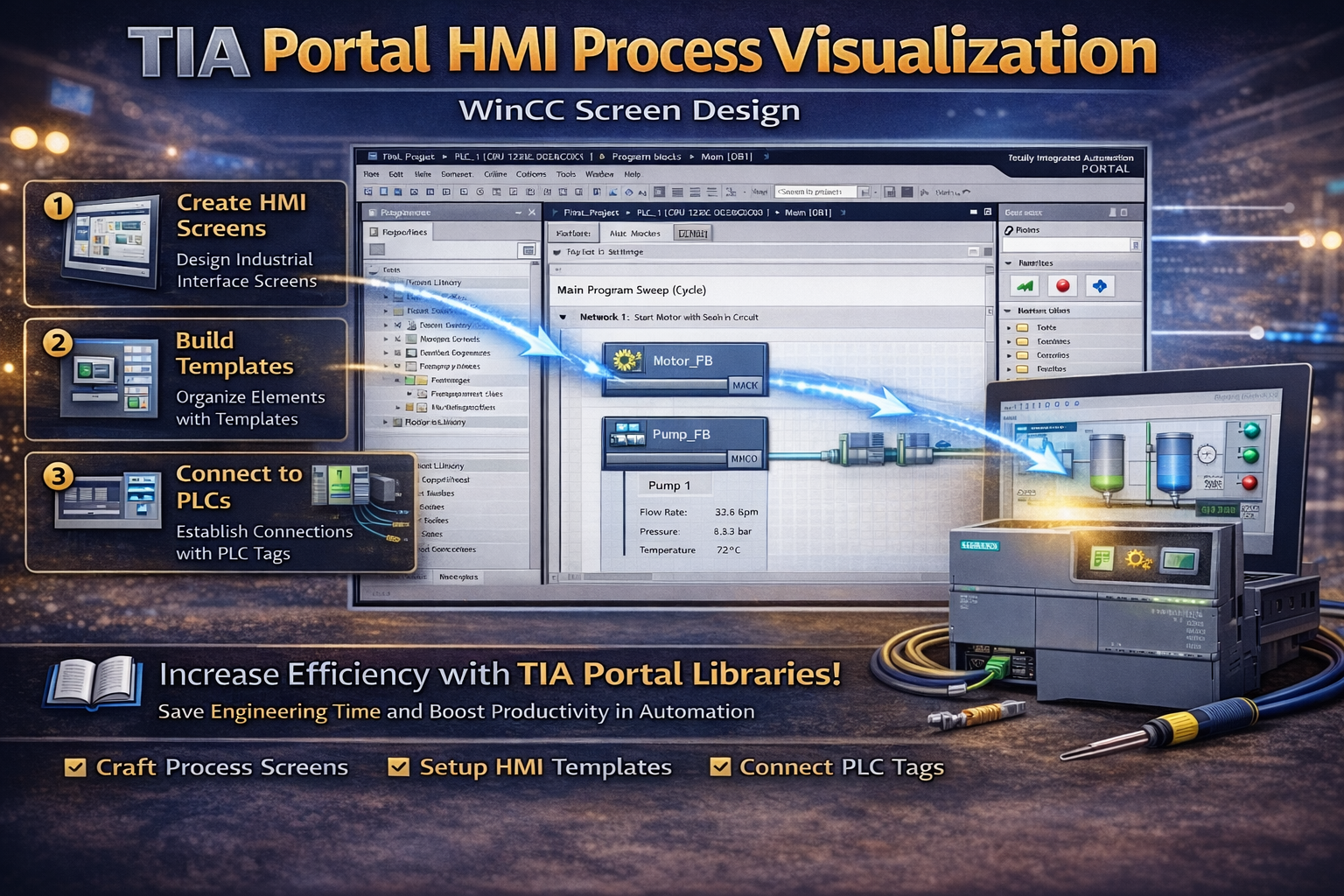
TIA Portal HMI process visualization allows engineers to design user interfaces for monitoring and controlling industrial systems. It provides full control over screen layout, navigation, and data display.
In this guide, you will learn how to manually design HMI screens and connect them with PLC systems.
🧠 TIA PORTAL HMI PROCESS VISUALIZATION OVERVIEW
TIA Portal enables manual HMI configuration for advanced interface design. Engineers can create custom screens and manage visualization elements without using the wizard.
For example, screens can be built using templates and graphical objects. As a result, the interface becomes flexible and professional.
⚙️ MANUAL HMI CONFIGURATION
Engineers can add and configure HMI devices directly in the project. This approach allows full control over system design.
For instance, naming devices and setting parameters manually ensures precise configuration. Therefore, advanced customization becomes possible.
🎨 USING TEMPLATES FOR CONSISTENCY
Templates help maintain a consistent design across multiple screens. Engineers can define layout elements such as headers, logos, and navigation areas.
For example, modifying a template updates all linked screens automatically. As a result, design changes become efficient and scalable.
🔗 PLC AND HMI CONNECTION
TIA Portal allows direct connection between PLC tags and HMI elements. Engineers can drag tags from the PLC program into the HMI screen.
Because of this, communication links are created automatically. Therefore, integration becomes fast and reliable.
🧩 LAYER MANAGEMENT
Layer management helps organize graphical elements. Engineers can group objects into layers to control visibility and editing.
For example, layers can be hidden or locked during design. As a result, complex screens become easier to manage.
🔄 SCREEN NAVIGATION
Navigation is an important part of HMI design. Engineers can create buttons to move between screens.
In addition, function keys on the HMI panel can trigger screen changes. Therefore, user interaction becomes intuitive.
🌍 WHY PROCESS VISUALIZATION IS IMPORTANT
Understanding TIA Portal HMI process visualization is important because it defines how operators interact with machines. A well-designed interface improves usability and safety.
Therefore, engineers must design clear and efficient HMI systems.
🏭 REAL APPLICATIONS
Engineers use HMI visualization in many industries. For example:
- Machine control interfaces
- Process monitoring systems
- Alarm and diagnostic displays
- Operator panels
In addition, it improves system transparency and efficiency.
🔗 RELATED TOPICS
✅ CONCLUSION
TIA Portal HMI process visualization is essential for building professional automation interfaces. By understanding screen design, templates, and PLC integration, you can create efficient and user-friendly systems.
Over time, this knowledge helps you improve usability and system performance.
✅ Social platforms
Subscribe in out Youtube channel for more videos:
- PLC Programming YouTube Channel: https://nuel.ink/9YxAHA
- Mitsubishi Training YouTube Channel: https://nuel.ink/2eFPGR
Follow us on Social Media:
- LinkedIn: https://nuel.ink/e6ZxM2
- Facebook Page: https://nuel.ink/xh5xhN
- Facebook Group: https://nuel.ink/aYciCv
- Instagram: https://nuel.ink/JSAjeD
- Twitter: https://nuel.ink/QGXW2L
- E-mail: info@plc-courses.com