TIA Portal HMI Wizard Explained
INTRO
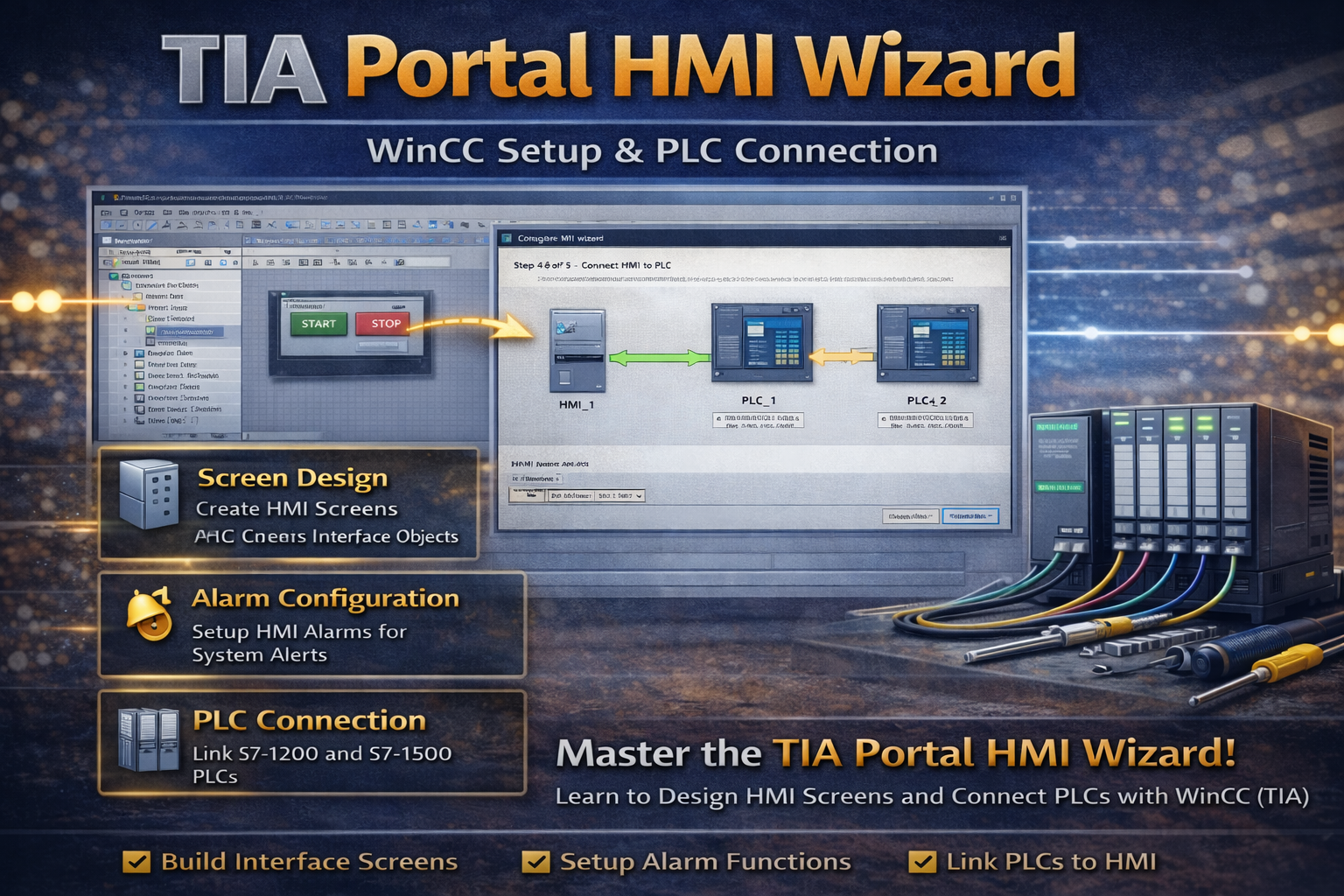
TIA Portal HMI Wizard helps engineers quickly design operator interfaces for industrial automation systems. It simplifies screen creation, PLC connection, and alarm configuration.
In this guide, you will learn how to use the HMI Wizard to create structured and efficient HMI designs.
🧠 TIA PORTAL HMI WIZARD OVERVIEW
The HMI Wizard provides a guided setup for creating WinCC screens. Engineers can configure layouts, connections, and system features step by step.
For example, the wizard automatically creates screens and links them to PLC tags. As a result, development time is reduced.
⚙️ PLC AND HMI CONNECTION
TIA Portal allows direct connection between HMI and PLC devices. Engineers can link HMI panels to S7-1200 or S7-1500 controllers.
For instance, selecting the PLC during setup enables real-time data exchange. Therefore, process visualization becomes accurate and reliable.
🎨 SCREEN LAYOUT AND DESIGN
The HMI Wizard helps create consistent screen layouts. Engineers can define colors, logos, and templates.
For example, a company logo can appear on every screen automatically. As a result, the interface looks professional and consistent.
🔔 ALARM CONFIGURATION
Alarms are essential for monitoring system conditions. The HMI Wizard allows engineers to configure alarm indicators and displays.
For example, active and unacknowledged alarms can be shown clearly. Therefore, operators can react quickly to system events.
🔄 SCREEN STRUCTURE AND NAVIGATION
The wizard organizes screens into a hierarchy. Engineers can define main screens and sub-screens for better navigation.
In addition, standard navigation buttons such as Home or Back can be configured globally. As a result, the user experience improves.
🔧 SYSTEM SCREENS AND SETTINGS
TIA Portal includes predefined system screens for diagnostics and control. Engineers can add these screens during the wizard process.
Because of this, system monitoring becomes easier and more standardized.
🌍 WHY HMI WIZARD IS IMPORTANT
Understanding TIA Portal HMI Wizard is important because it simplifies HMI development. It reduces manual configuration and ensures consistent design.
Therefore, engineers can build reliable and user-friendly interfaces faster.
🏭 REAL APPLICATIONS
Engineers use HMI Wizard in many automation projects. For example:
- Machine visualization
- Process monitoring
- Alarm handling systems
- Operator control panels
In addition, it improves efficiency and reduces engineering time.
🔗 RELATED TOPICS
✅ CONCLUSION
TIA Portal HMI Wizard is a powerful tool for creating industrial interfaces. By understanding its features, you can design efficient and professional HMI systems.
Over time, this knowledge helps you improve usability and system performance.
✅ Social platforms
Subscribe in out Youtube channel for more videos:
- PLC Programming YouTube Channel: https://nuel.ink/9YxAHA
- Mitsubishi Training YouTube Channel: https://nuel.ink/2eFPGR
Follow us on Social Media:
- LinkedIn: https://nuel.ink/e6ZxM2
- Facebook Page: https://nuel.ink/xh5xhN
- Facebook Group: https://nuel.ink/aYciCv
- Instagram: https://nuel.ink/JSAjeD
- Twitter: https://nuel.ink/QGXW2L
- E-mail: info@plc-courses.com