TIA Portal Network & Device View Explained
INTRO
TIA Portal network and device view is the foundation for configuring Siemens PLC systems. Engineers use it to set up hardware, assign IP addresses, and manage communication.
In this guide, you will learn how to use these views and how they help build reliable automation systems.
🧠 TIA PORTAL NETWORK DEVICE VIEW OVERVIEW
TIA Portal provides multiple views to manage automation projects. The network and device view allow engineers to configure both communication and hardware.
For example, you can connect PLCs, assign addresses, and visualize system structure. As a result, system setup becomes faster and more intuitive.
⚙️ NETWORK VIEW
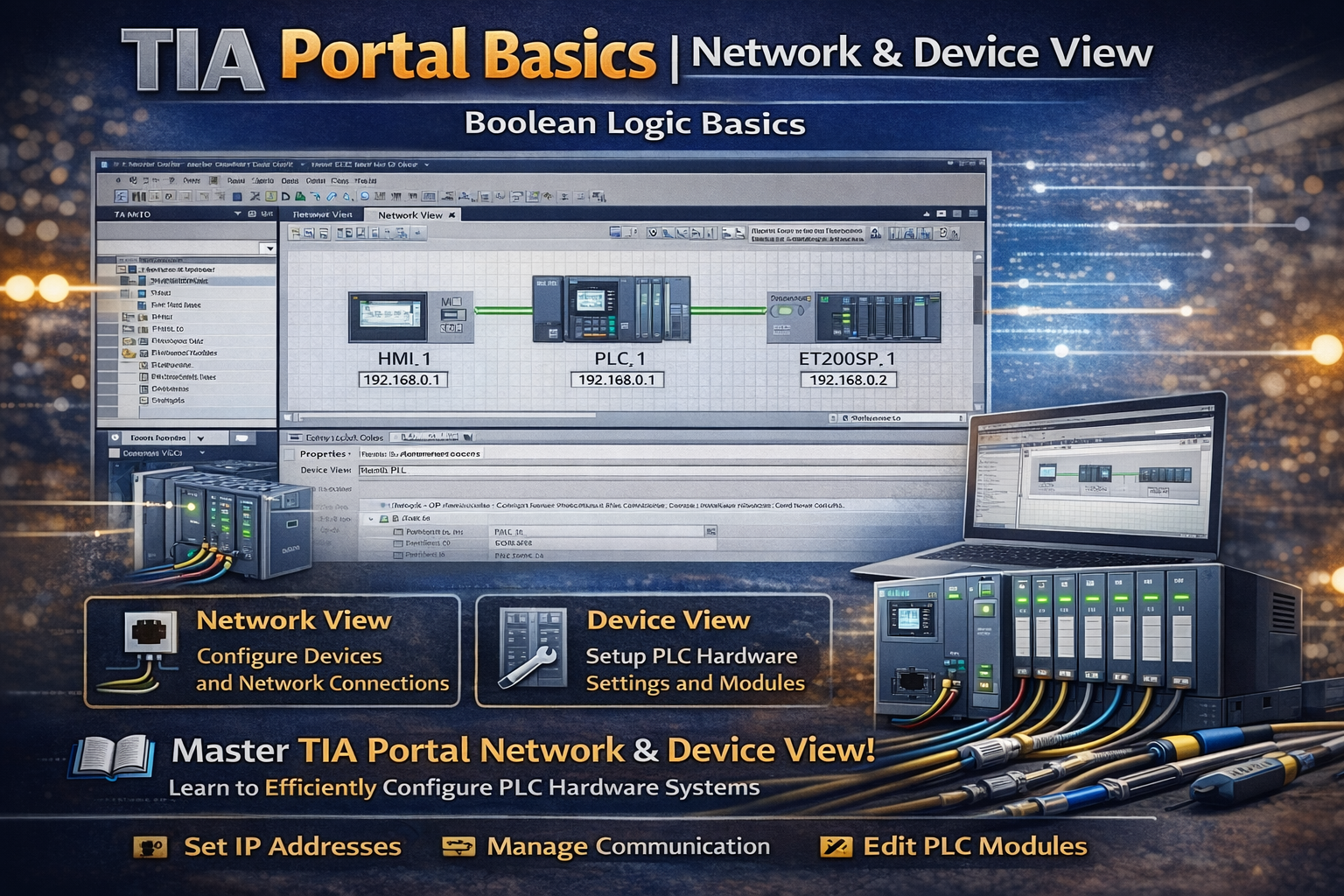
The network view shows how devices are connected. Engineers use it to create communication links between PLCs, HMIs, and other components.
For instance, you can drag and drop connections between devices. Therefore, building industrial networks becomes simple and visual.
🔧 DEVICE VIEW
The device view focuses on hardware configuration. Engineers use it to set parameters and organize modules.
For example, you can assign IP addresses or configure modules in a visual layout. Because of this, the setup reflects the real hardware structure.
🔄 TOPOLOGY VIEW
The topology view shows the physical connections between devices. It helps engineers verify network structure and detect errors.
For example, green connections indicate correct communication, while red highlights problems. As a result, troubleshooting becomes easier.
🌍 KEY FEATURES
TIA Portal provides several useful features:
- Fast device configuration
- Visual network setup
- Easy IP address management
- Built-in diagnostics
In addition, engineers can manage large systems using overview navigation tools.
🏭 REAL APPLICATIONS
Engineers use these views in many automation projects. For example:
- PLC hardware configuration
- Industrial network setup
- Commissioning and diagnostics
- HMI and PLC integration
In addition, they improve efficiency and reduce engineering time.
🔗 RELATED TOPICS
✅ CONCLUSION
TIA Portal network and device view are essential tools for configuring automation systems. By understanding these views, you can design, connect, and troubleshoot PLC systems effectively.
Over time, this knowledge helps you build scalable and reliable industrial networks.
✅ Social platforms
Subscribe in out Youtube channel for more videos:
- PLC Programming YouTube Channel: https://nuel.ink/9YxAHA
- Mitsubishi Training YouTube Channel: https://nuel.ink/2eFPGR
Follow us on Social Media:
- LinkedIn: https://nuel.ink/e6ZxM2
- Facebook Page: https://nuel.ink/xh5xhN
- Facebook Group: https://nuel.ink/aYciCv
- Instagram: https://nuel.ink/JSAjeD
- Twitter: https://nuel.ink/QGXW2L
- E-mail: info@plc-courses.com